
Where your settings are
Why there is no Settings menu, and where to find your password and your details.
Overview
There is no Settings entry in the menu, and that is the thing people look for most.
If you are a member, everything is inside My Profile. Your details are at the top and your password is in the Security section below them.
If you are on the committee but not a member, you get a page called My Account instead. It does the same job.
If you are both, your account menu has a switch between Personal and Organization. It changes which sections you see. It does not change what you are allowed to do.
Reference
| Members | My Profile. Password is in the Security section. |
|---|---|
| Committee, not a member | My Account in the sidebar. |
| Both | My Profile, plus a Personal / Organization switch in your account menu. |
| Light and dark mode | Not on either page. Use the button in the top bar. |
| Ending your membership | Starts on your profile, at the bottom: End your membership. It is a request — we review it, and your membership stays active until we approve. |
| Deleting your account | Not something you can do yourself. Ask us. |
| Version number | At the bottom of your account menu. Useful to quote if you report a problem. |
Step-by-step
-
Open the right pageMembers: My Profile. Committee logins without a membership: My Account.
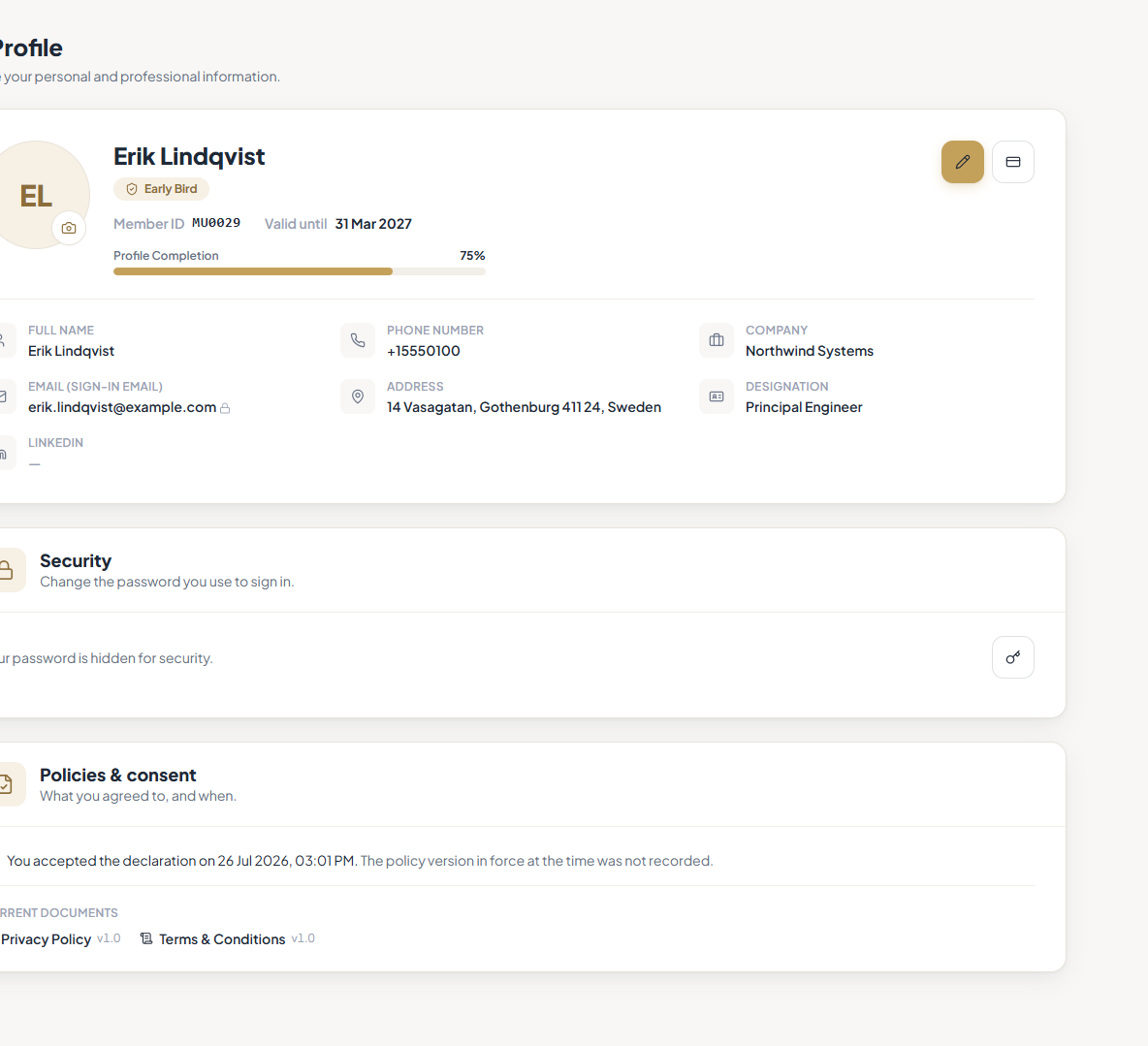
The Security section, where you change your password. -
Change your password under SecurityEnter your current password, then the new one twice. It changes at once, and you stay signed in on your other devices.
-
Switch between Personal and Organization if you have bothIt is in the menu under your name. It only changes which sections the sidebar shows.
Tips
Notes
Troubleshooting
There is no Settings in your menu.
Why it happens: For members, settings live inside My Profile.
What to do: Open My Profile and scroll down to Security.
You are on the committee but see no Personal / Organization switch.
Why it happens: The switch only appears if your login has committee permissions on it.
What to do: Ask us to check what your account has been given.